
Troubleshooting guides
Learn
Clear, practical explainers for the pieces of the internet that show up during real troubleshooting: DNS records, resolvers, caching, routing symptoms, and what to check next.
Highlight
Start here
A practical first guide for understanding the signals that show up when the internet is not behaving.
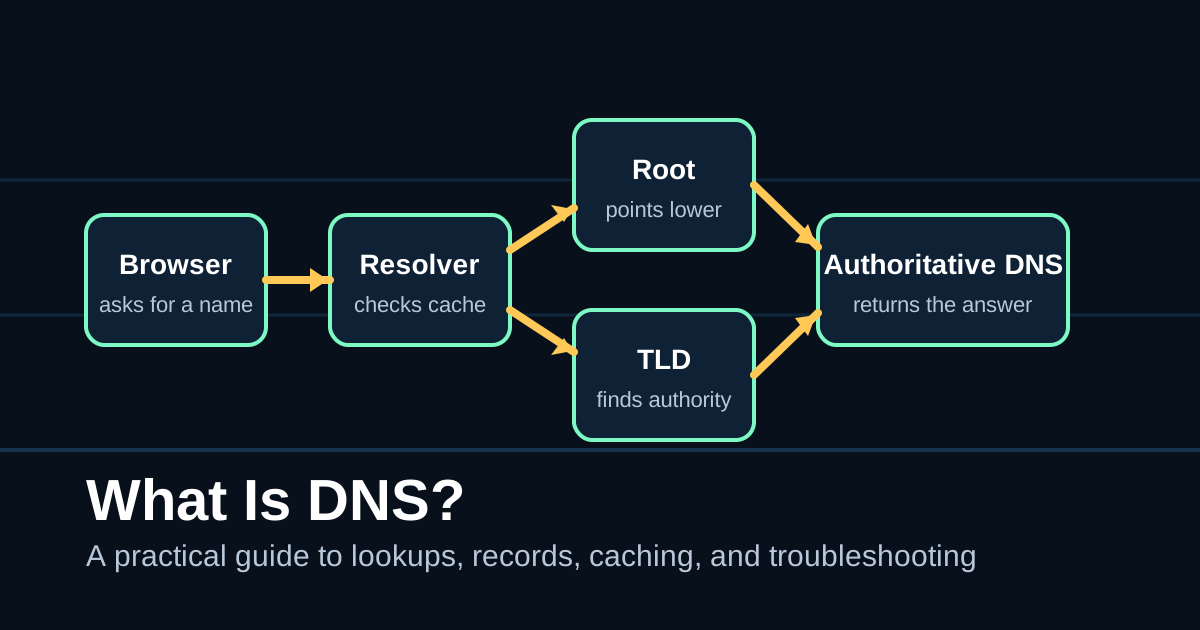 What Is DNS? Learn what DNS is, how DNS lookups work, and how to troubleshoot common DNS problems with practical checks. DNSTroubleshootingResolversInternet Basics
 Latest
Recent guides
Search filters titles, summaries, and tags. The static list stays readable even before JavaScript loads.
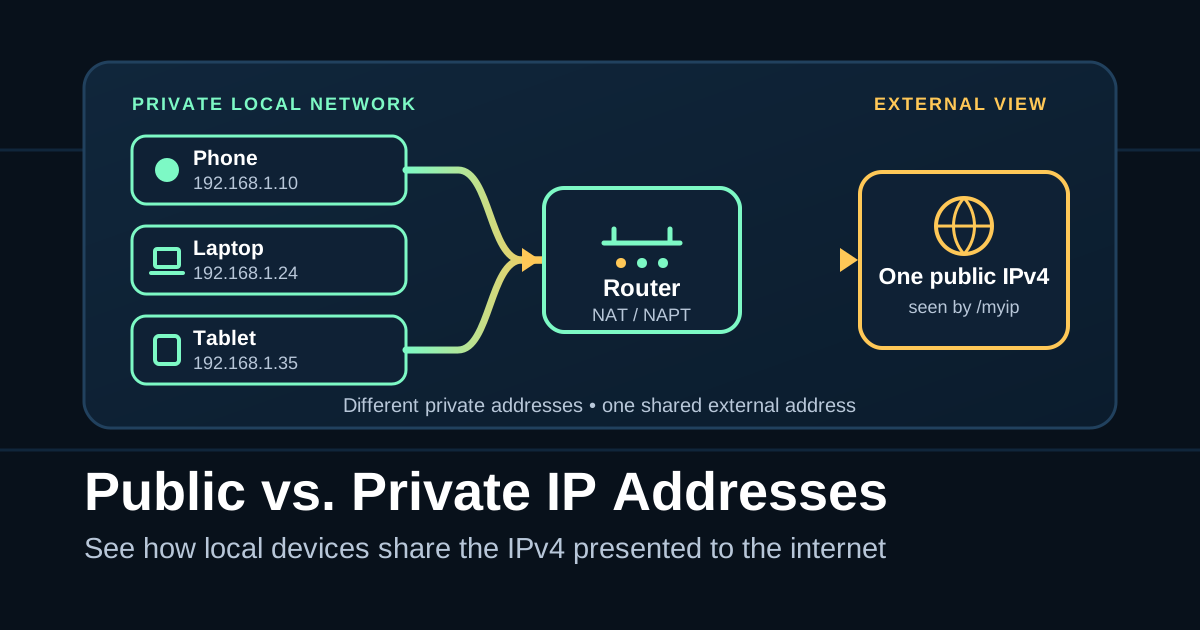 Public vs. Private IP Addresses: What's the Difference? Learn which IPv4 address the internet sees, why it differs from your device address, and how NAT or carrier-grade NAT affects the result. IP AddressesIPv4NATTroubleshooting
 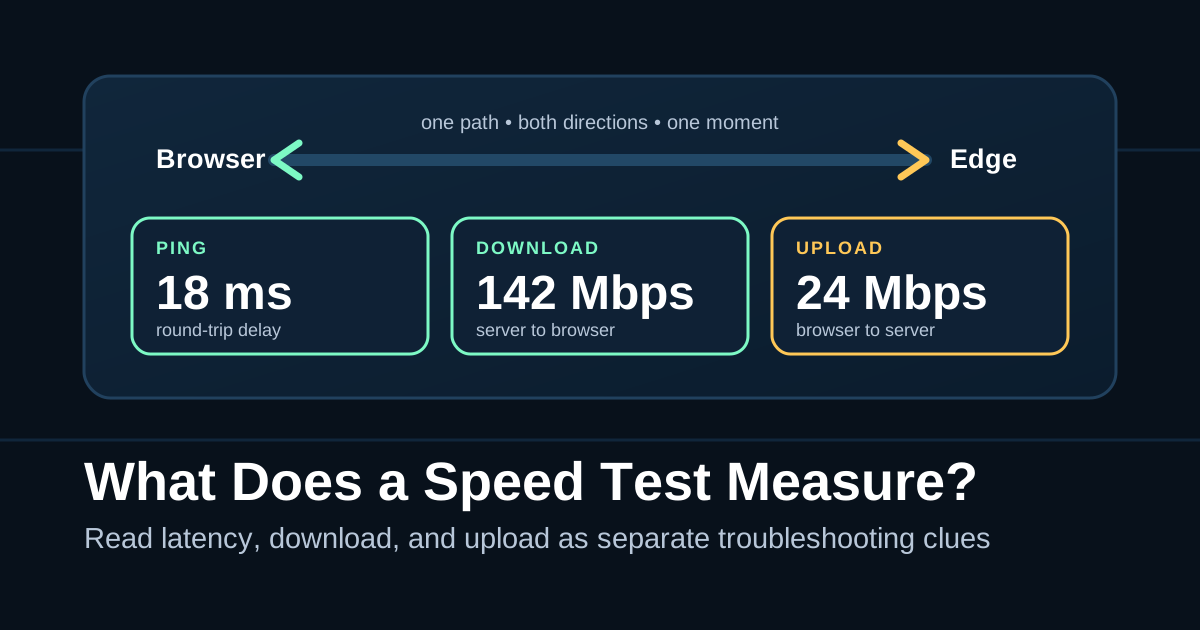 What Does a Speed Test Actually Measure? Learn what ping, download, upload, and Mbps really tell you—and how to turn one speed-test result into a useful troubleshooting clue. Speed TestsLatencyBandwidthTroubleshooting What Is DNS? Learn what DNS is, how DNS lookups work, and how to troubleshoot common DNS problems with practical checks. DNSTroubleshootingResolversInternet Basics
 No matching guides
Try a broader term like DNS, records, resolver, cache, or TTL.